What is the seamless display ?
a magical touch
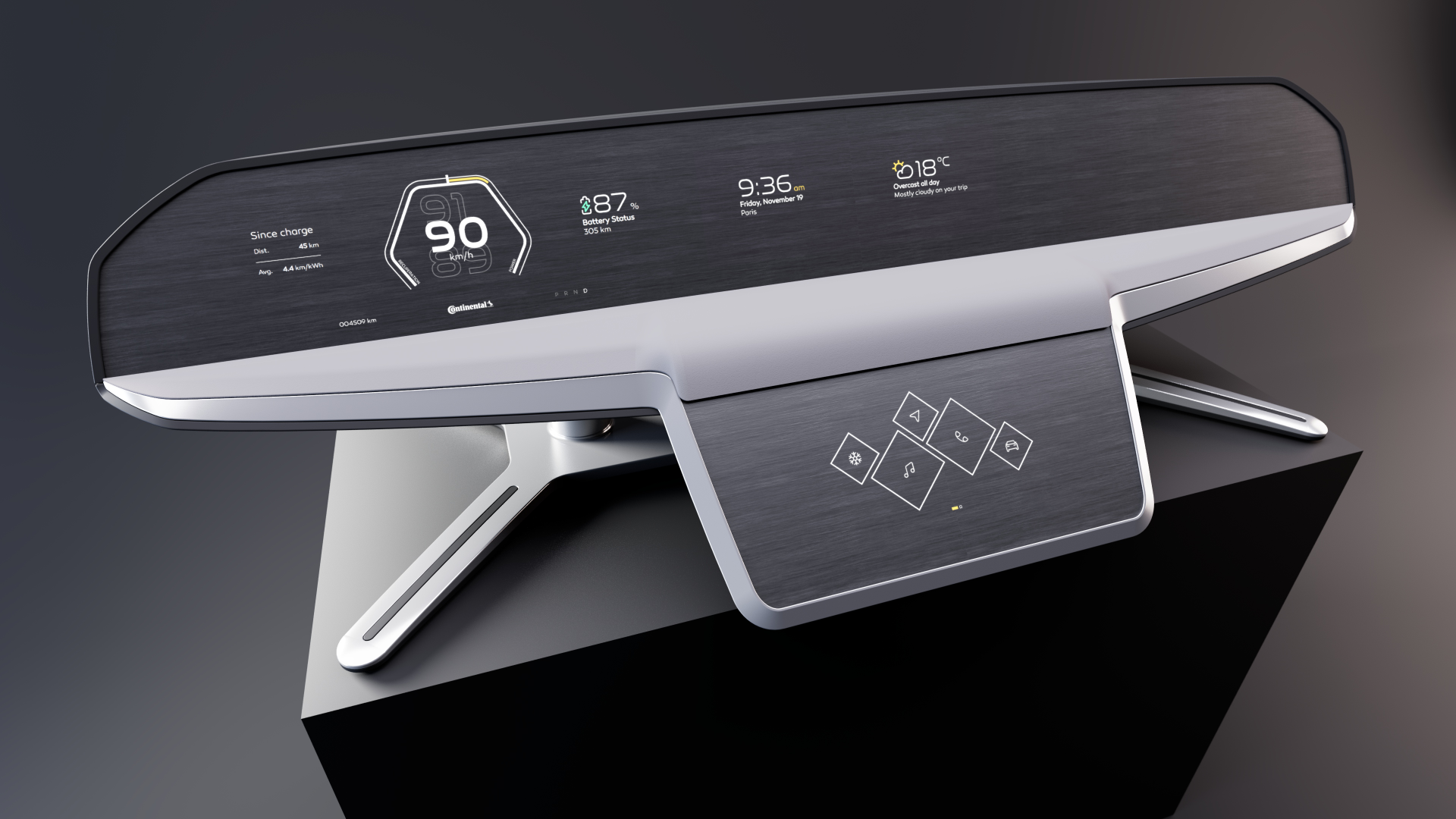
The seamless display is a demonstrator with 3 screens. Simulating the interior of a car, this product aims to hide the future screens of our cars to simplify them and make them ... magical.
UX/UI design
product design
Shy-Tech demonstrator for the CES 2022
Underskin car display
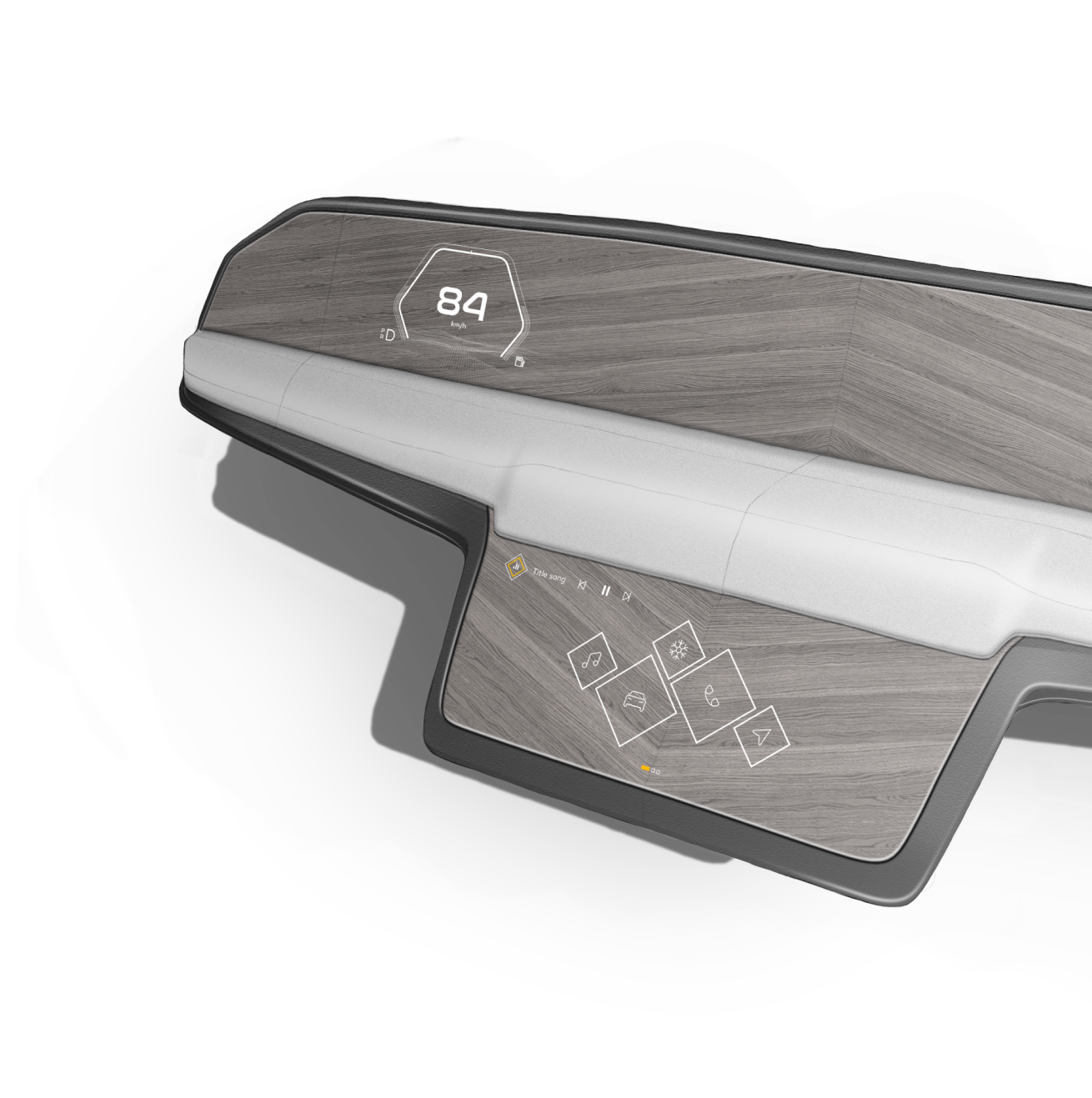
For CES 2022, Continental wanted to showcase seamless display technology. This demonstrator embeds a touch and haptic panel under a wooden decor sheet.



Scope & brief of the project
What we did ?
01
Analysis
The analysis was based on a number of user behaviors and habits. The different zones of our interiors were also studied.
02
Use cases
For this project, the team decided to focus on specific use cases. The objective was to show the capabilities of the technology and its versatility.
04
Interface
The visual and sound interface has a primordial role in this demonstrator. Indeed, the transitions, the appearances, the haptic feels supported by sound effects bring all the magic effect to the demonstrator. The rich graphical interface breaks free from the limits of the screen and creates an innovative and immersive user experience.
03
Product design
The design of the product must be minimalist. It must borrow a certain feature of automotive design while remaining very sober.

Challenges
Goals
The challenges of this project are multiple. Beyond the design of the product, sober, automotive and product, it is the integration of the interface that required the most effort. The illusion must be perfect and the interface innovative to give the impression of a floating and continuous interface. For the product, the simplicity of the lines and the influence of furniture design had to produce a simple and transportable product.
The goals are simple. Try to make the user travel quickly from the demonstrator to the heart of a fast scenario making him discover the interface and its transitions. The product must be pleasant and attractive.
A collaborative work between product designer and interface was essential for the success of the project. The interface work was the most complex to achieve to make this demonstrator convincing.
Prioritize informations for the driver
analysis
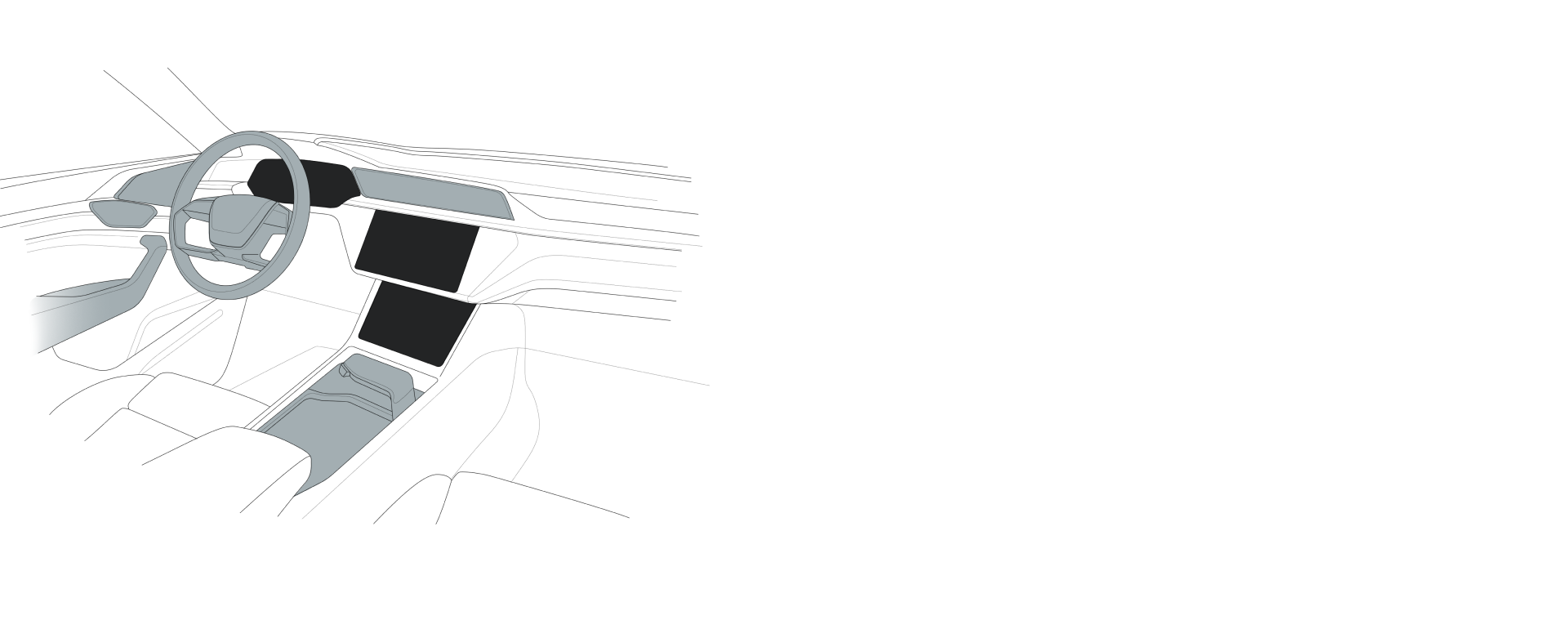
The car is a special environment where safety is the watchword. The evolution of the car gives it a certain number of screens requiring a perfect hierarchy for an optimal interaction. Ergonomics is therefore very important for an efficient use.
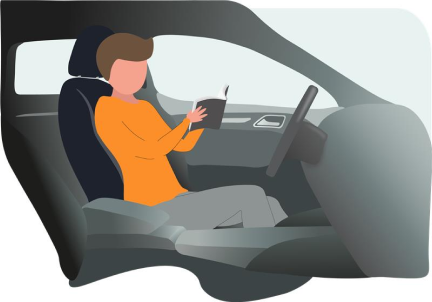
The modern car is still not 100% autonomous... The eyes must remain focused on the road and its surroundings. This does not prevent from having a lot of interactions with the car. Whether it is useful or not.

Focus on the road ?
the environment
Warning
Tactile
Tactile + haptic
Voice
Driving
Comfort
Infotainment


Data


Warning & driving
Comfort
Multiple screen & interactions
the interactions
1,2,3 screens and soon 4 or more... In our cars the screens are more and more numerous and bigger and bigger. This allows a greater possibility of interactions sometimes to the detriment of safety.
Suburban
City
Countryside
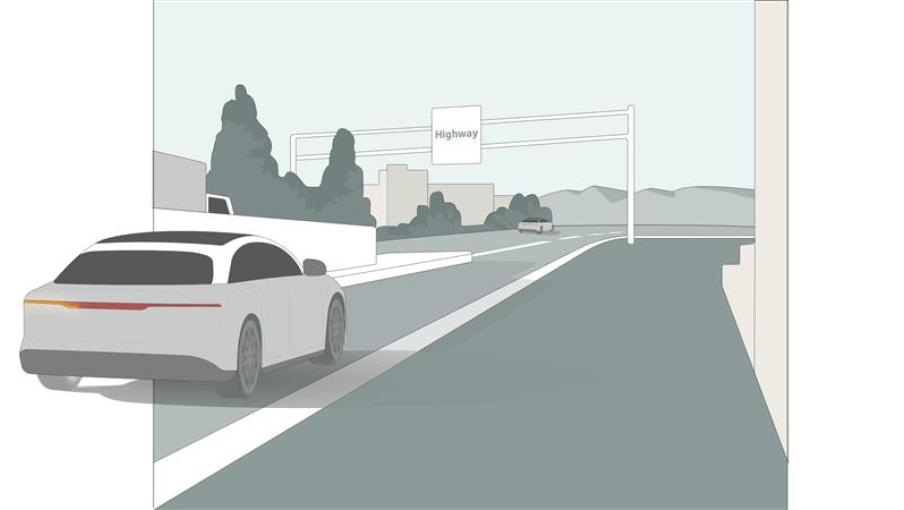
Highway
Main road
Interaction
Concentration
Off road











Tell a credible story
scenario
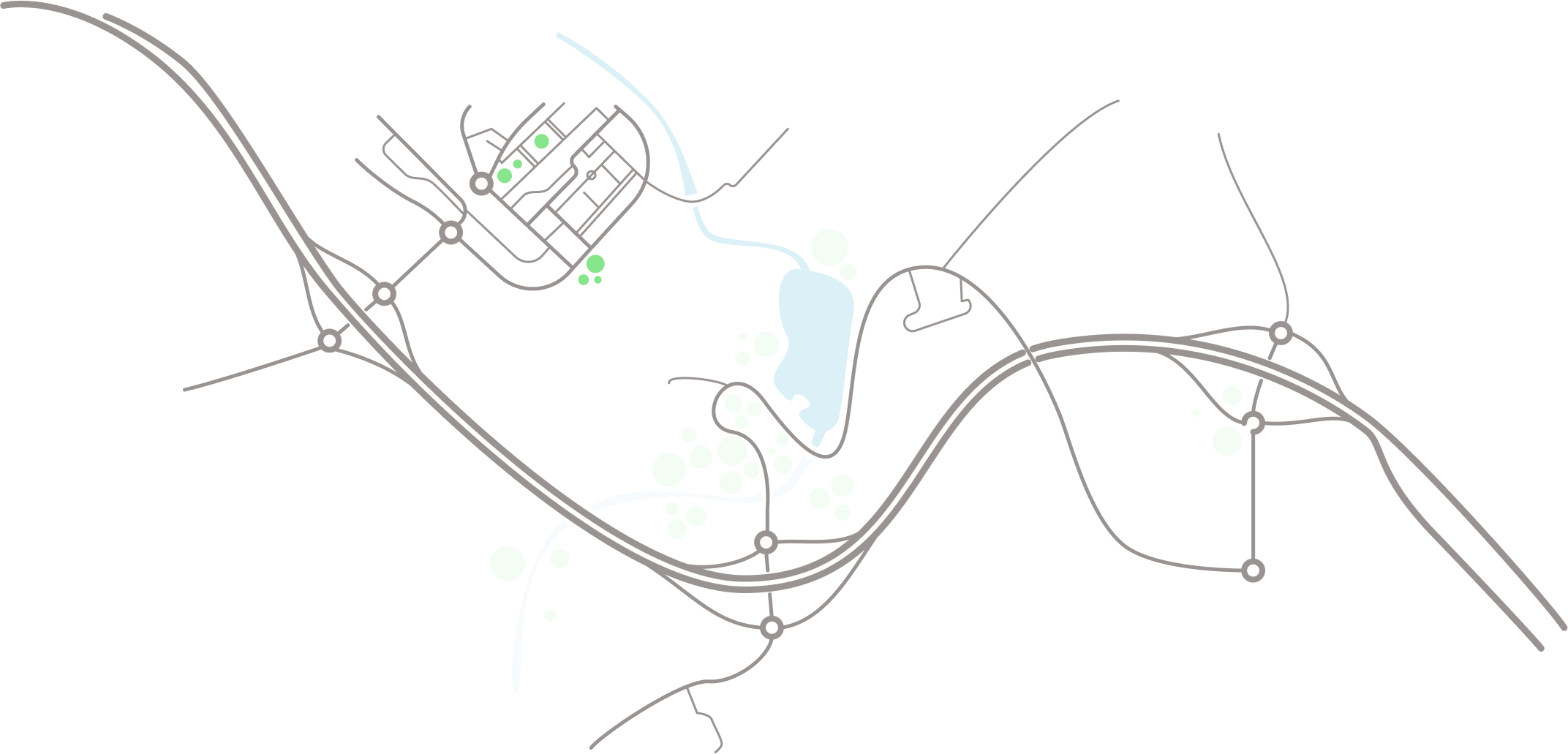
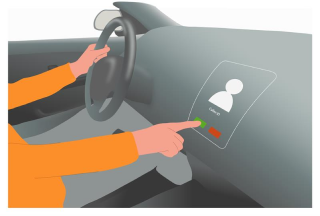
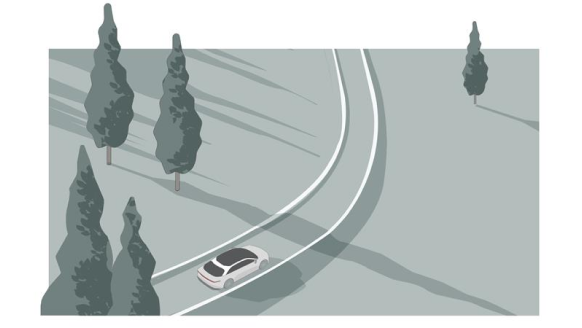
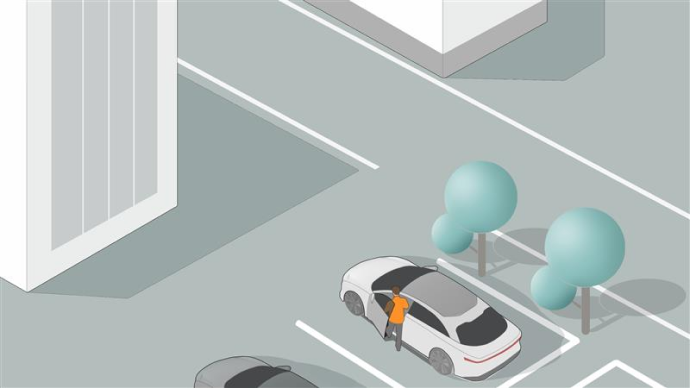
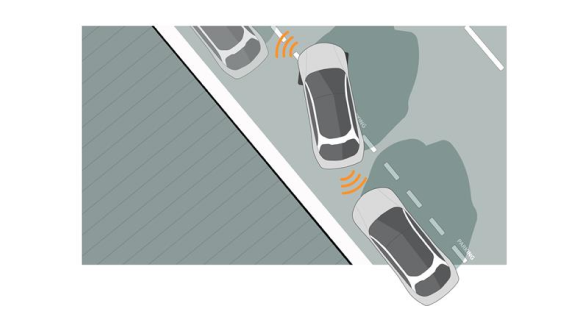
With these increasingly complex and rich interiors, we had to come up with a simple scenario to show the ability of our technology to compete with traditional screens.









01_Welcome
02_Driving
Autonomous suggestion
Incoming video call
Fun trip suggestion
Autonomous mode
Sport mode
Drive mode
03_End
Interaction concept
Userflow
The design of the interface aims to give a number of new ways to work when the screen borders are invisible. The scenario will go through many reorganizations to make the magic side appear.
Design ergonomic car product
Sketch research
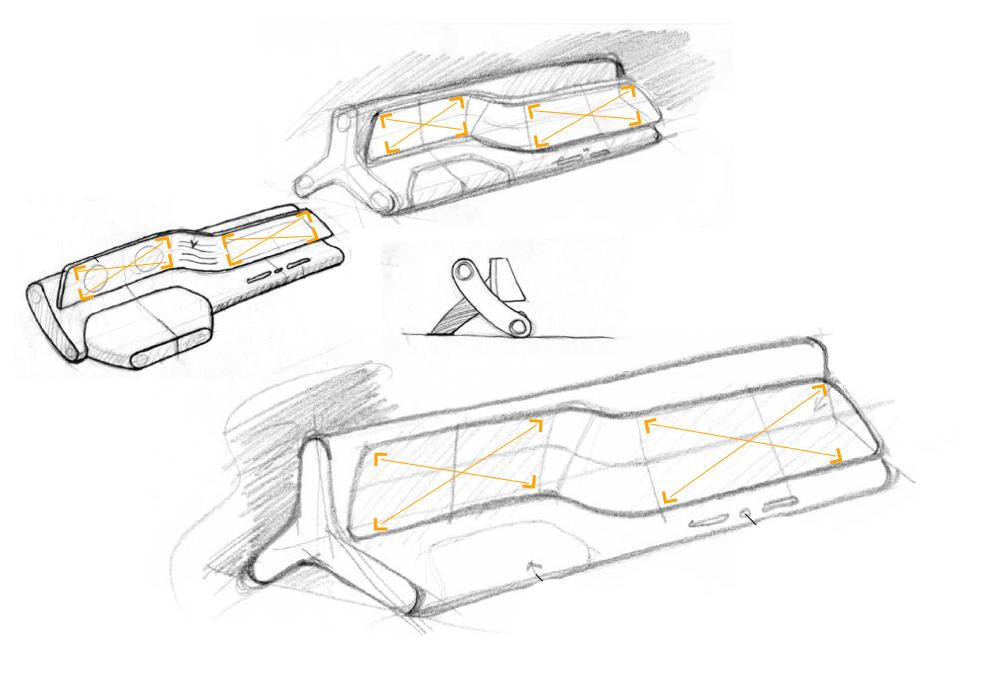
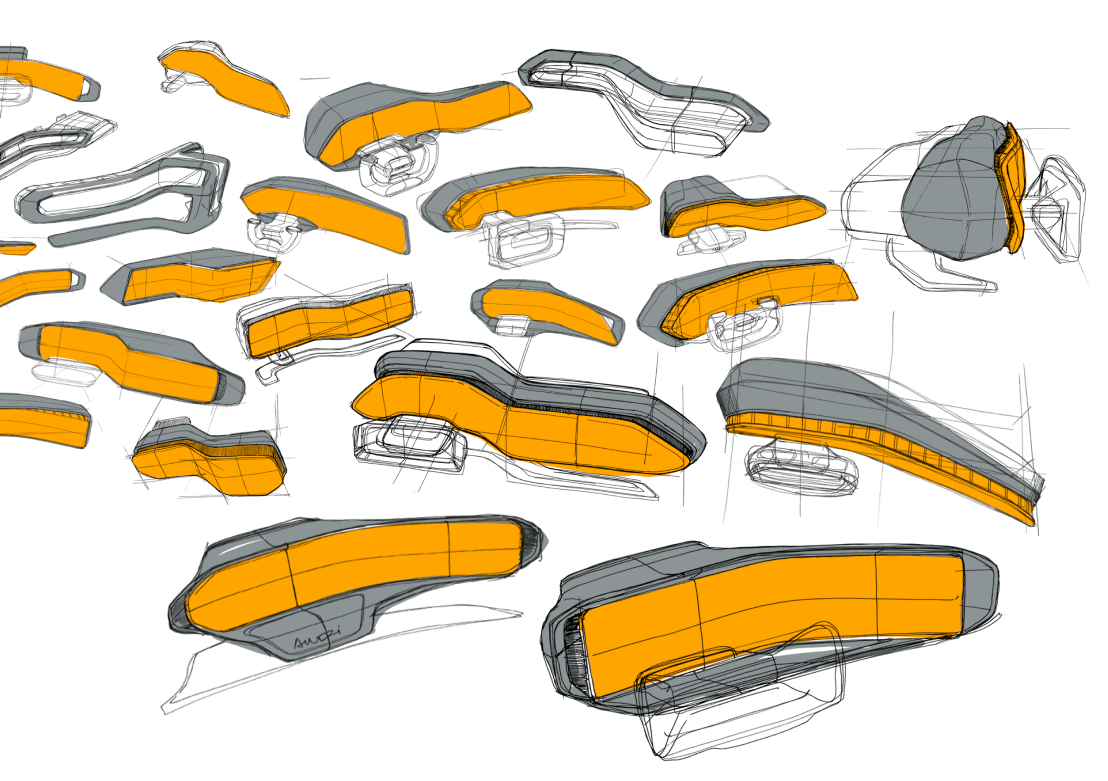
The product must be at the service of the interface. The objective was first to draw a part of the interior to integrate the screens. As the feedbacks came in, the design became more oriented towards a furniture language.

Start demo
HAPTIC LONG PRESS
SHORT PRESS
SHORT PRESS
HAPTIC CONTROL
WITH STEP
WITH STEP
Welcome
Normal mode
Sport mode
Suggestion
Incoming call
Autonomous driving
Launcher
Volume control
Climate control
Phone app
Car settings
Media app
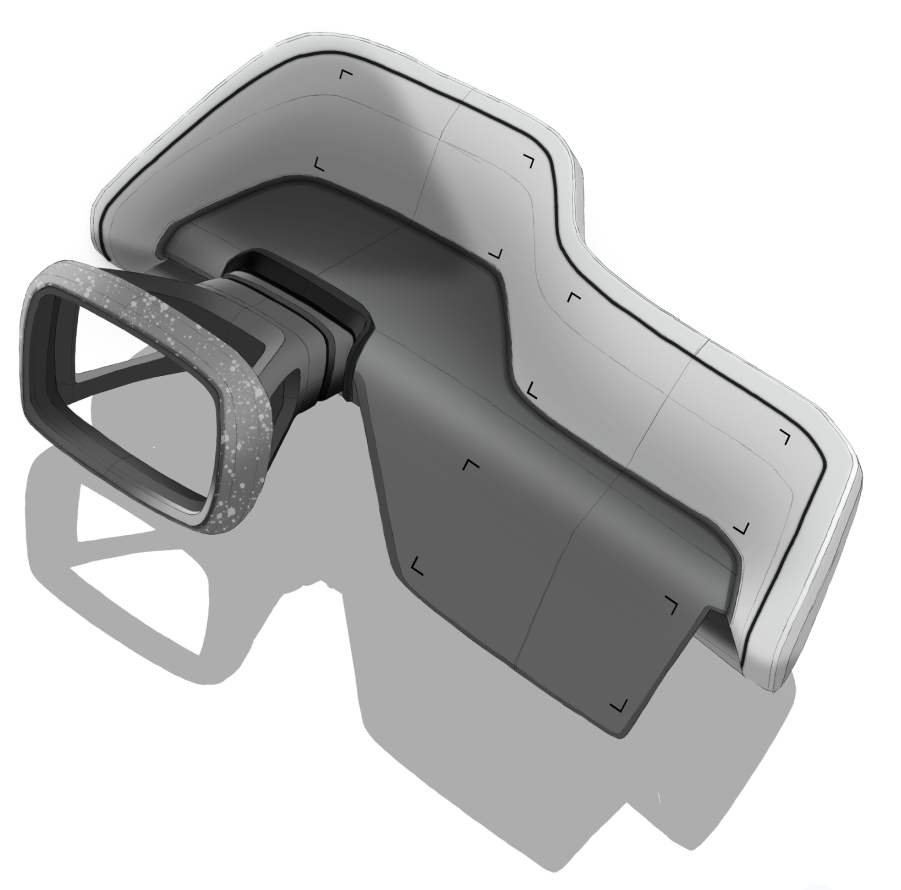
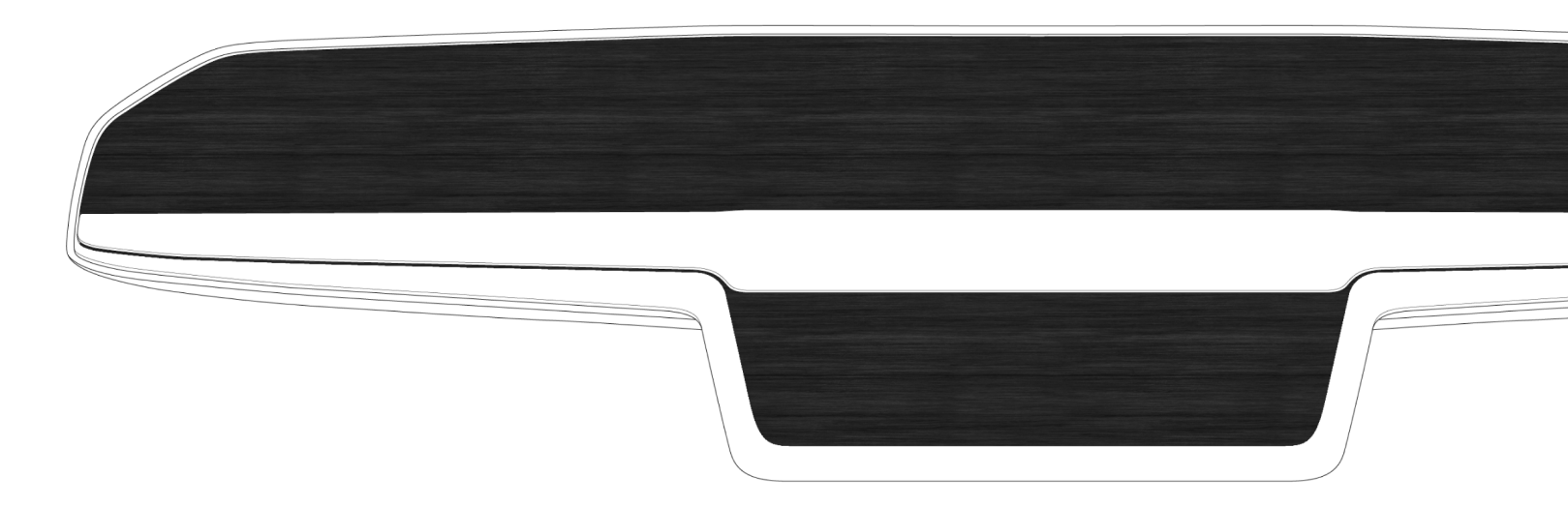
The first product design proposal was based on 2 screens and a tripod support. Compact and simple, this proposal allowed the exploitation of a large shaped surface.
The third version was more sculptural and featured 2 or 3 screens to further simulate a modern automotive interior with large fluid surfaces.
Furniture vision
Sculptural vision
concept 001
concept 003
Automotive screen
Interior concept
concept 002
concept 004
The automotive screen concept was also equipped with two screens, moving towards a more dynamic automotive cluster. The second touchscreen was oriented towards the driver and allowed interaction with the user.
Finally, the last version was based on a pilar to pilar concept offering the possibility to simulate an entire dashboard. This uncluttered concept allowed the driver to see different levels of reading.

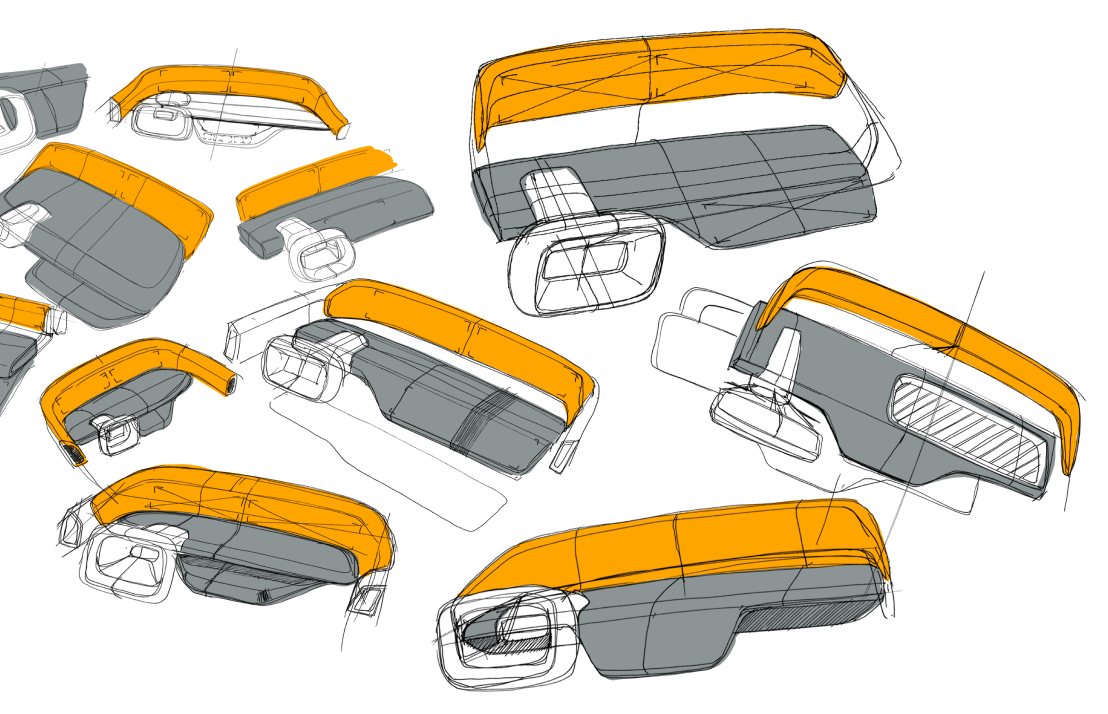
Complete interior
Z shape
development 001
development 003
Simple shape
Find the best compromise
refinement work
development 002
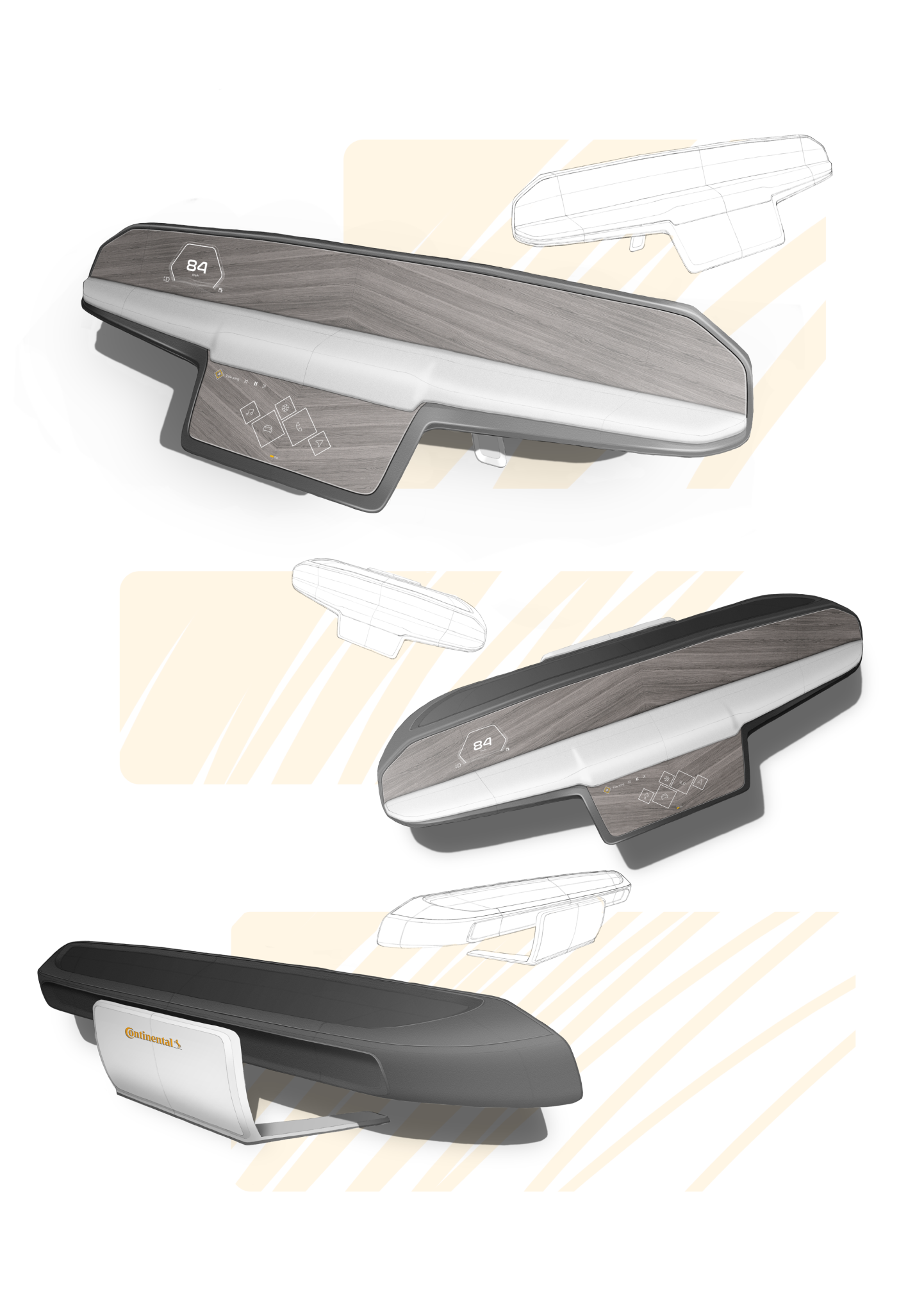
After long discussions, it was decided to go back to a simpler and more product/furniture design oriented design. The wood appeared to be the most adequate material to make the interface appear.
Feedback & Development
Sketch step 02
Before making a final choice for development, the team decided to push 3 proposals in a little more detail to offer a clearer vision of the three concepts. In very sober tones, these concepts proposed 3 visions more and more concise. After a review, none of these were finalized due to their overly automotive connotations.

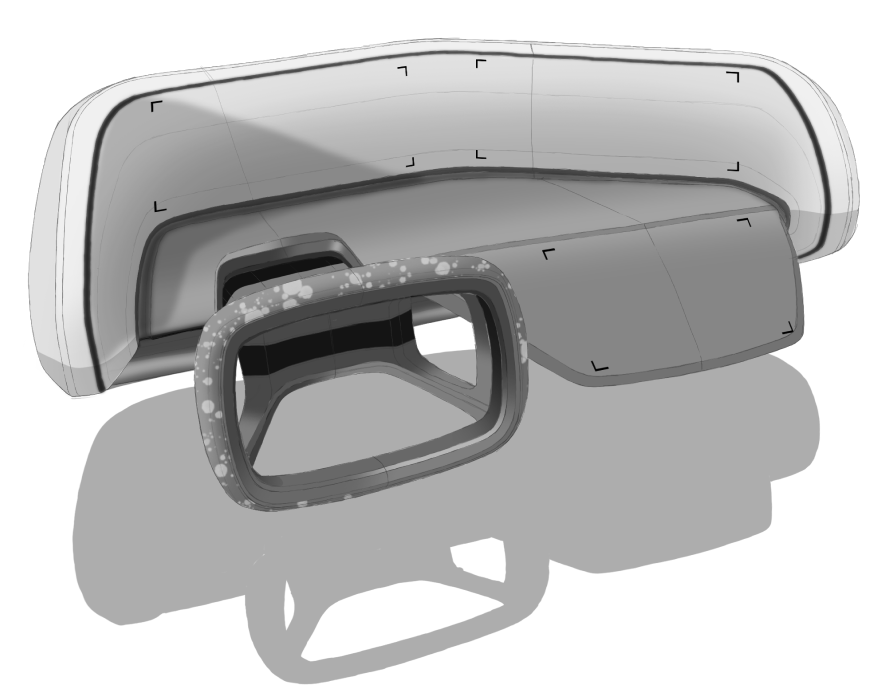


New direction
customer feedback
Following the first phases of the project and after a discussion with the clients, we redirected the project to best fit their expectations.



Delete the boundaries
global UI
As said above, the interface has to be free of screen boundaries. The interface must be floating to give the illusion that the screen is the wood piece.
The main screen positioned at the bottom center is the center of the interaction between the user and the demonstrator. It is on this screen that the sensations and emotions will be created. A number of applications allow the user to navigate and feel the haptic when trying out the music application, call...
The central screen is the one that shows a number of different animations. It allows to demonstrate the capacities of the luminous tiles in the retranscription of animated illustrations. This screen reacts to user interactions and changes according to the application chosen.
Create feeling & sensation
Multimedia area
touch screen
central screen
Touch, Haptic & screen
Essential stuff
serve the technology
car cluster
A multitude of technologies allow the interface to make a great impact. Indeed, beyond the camouflage of the screen, the touch and haptic feedback will make this demonstrator even more magical.
The aim of the cluster is to show the possible organization of elements on this type of new screens. It allows to show a certain number of information in movement.

Magic apparition
interface
Beyond the physical design of the demonstrator, the main effort of the project lies in the design and development of a relevant interface. Thanks to the scenario, a number of use cases have been identified. A cluster, a central multimedia screen and an interactive screen have been developed. The main objective of these interfaces is to get rid of the borders and the classical rectangle architecture.




Cluster display
Haptic & Touch display
Multimedia display




The haptic feedback provides richer user interactions in a seamless way. Enhanced by relevant sound HMI, haptic allow the user to operate blindly, ie without looking at the screens, hence less visual workload.
Specific interaction
haptic technology